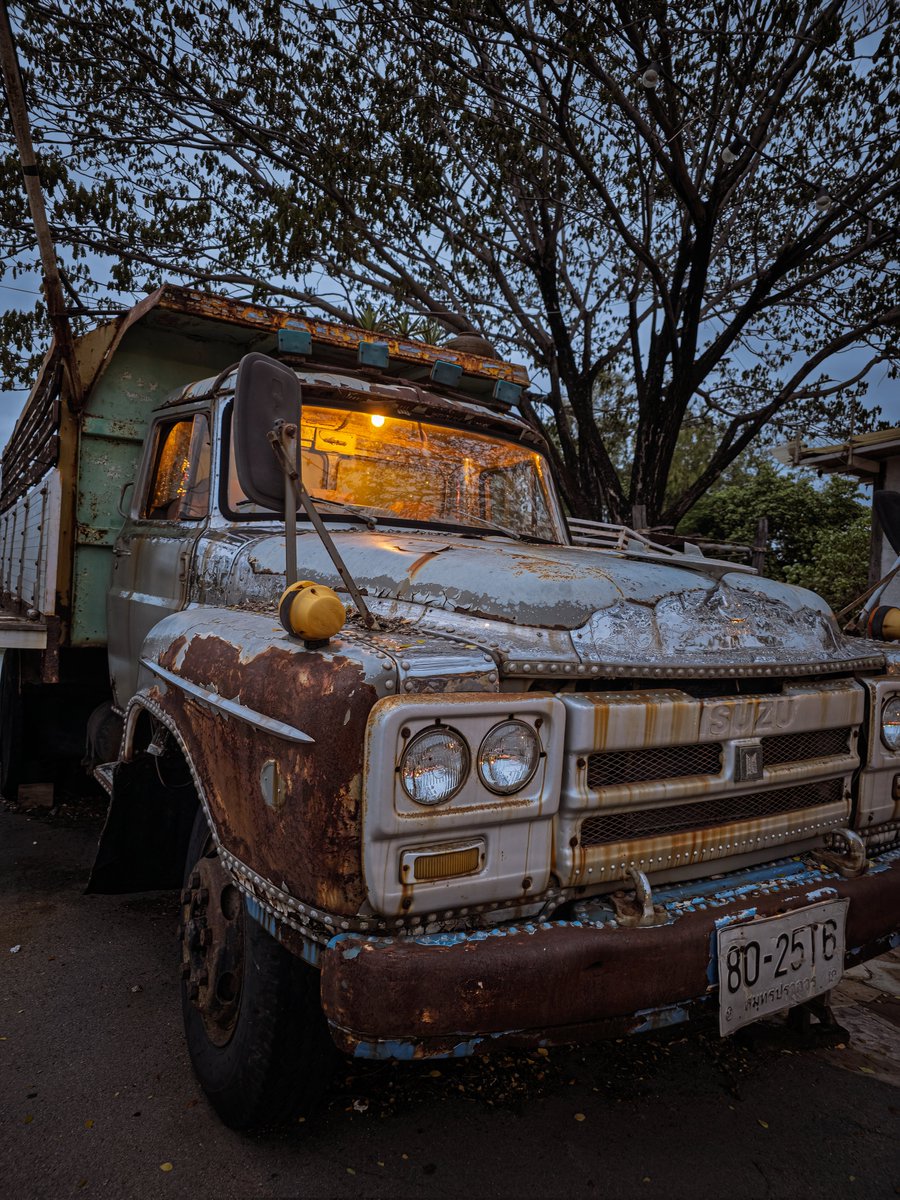
✨️ Samsung camera fix 👇
To make any hardware upgrade shine, Samsung needs to ditch Stock camera — not the Camera UI.
Problem:
1️⃣ Stock camera = heavy processing, fake detail.
2️⃣ Pro RAW = pure sensor, but single frame = noisy & moiré mess. Editing just kills more detail.
3️⃣ Default output stuck at 12MP.
4️⃣ Expert RAW (OneUI 7) was the sweet spot: multi-frame RAW stacking + higher bit depth → cleaner shadows, natural texture, ND-like HDR.
5️⃣ OneUI 8 broke it. Expert RAW now feels closer to stock → more noise, less natural texture, HDR not the same. The unique look is gone.
✨️Solution (simple):
• Make Expert RAW the default stock pipeline with 24MP default output.
• Extend Virtual Aperture to all lenses → fully replace Portrait mode.
• Upgrade Pro RAW with burst stacking (option) to cut noise & moiré.
• Add Fast Capture mode.
• Add Long-Range zoom mode.
● Explanation:
Expert RAW today is capped at 20x.
So Samsung should split stock cam into sections:
🔹 0.6x–20x → Expert RAW pipeline
(multi-frame, natural HDR, ND-like look).
– Auto point-and-shoot (RAW/HEIC/JPEG)
– All manual controls & Expert RAW features → this becomes the true stock camera.
🔹 20x–100x → Long-Range section
(stacked telephoto + optional AI assist: medium, maximum, etc.).
Fast Capture Mode:
• Motion Shot for moving subjects
• Fast “old Portrait” option for quick snaps
(yes, quality drops a bit, but it’s fast).
• Pro Mode RAW for pure RAW
✨️Result?
📸 Point-and-shoot users → natural, sharp photos every time.
🎨 Pro users → real 16-bit RAW, manual control in one app, pure RAW option still there.
🔭 Telephoto lovers → usable long-range shots without cartoon zoom.
📷 Portrait → taken to the next level with Virtual Aperture, while the old Portrait mode reserved for fast capture.
Samsung already had the formula on S25 Ultra Expert RAW (OneUI 7).
They just need to bring it back & make it standard.
✨️Conclusion:
Samsung fix is simple 👇
Stock cam = overprocessed
Pro RAW = noisy & moiré mess
Expert RAW on S25U OneUI 7 was perfect, natural texture, ND-like HDR, minimal noise. Then OneUI 8 ruined it.
Solution?
Make Expert RAW the stock pipeline, extend Virtual Aperture to all lenses, add Long-Range mode, Fast Capture mode & stacked Pro RAW.