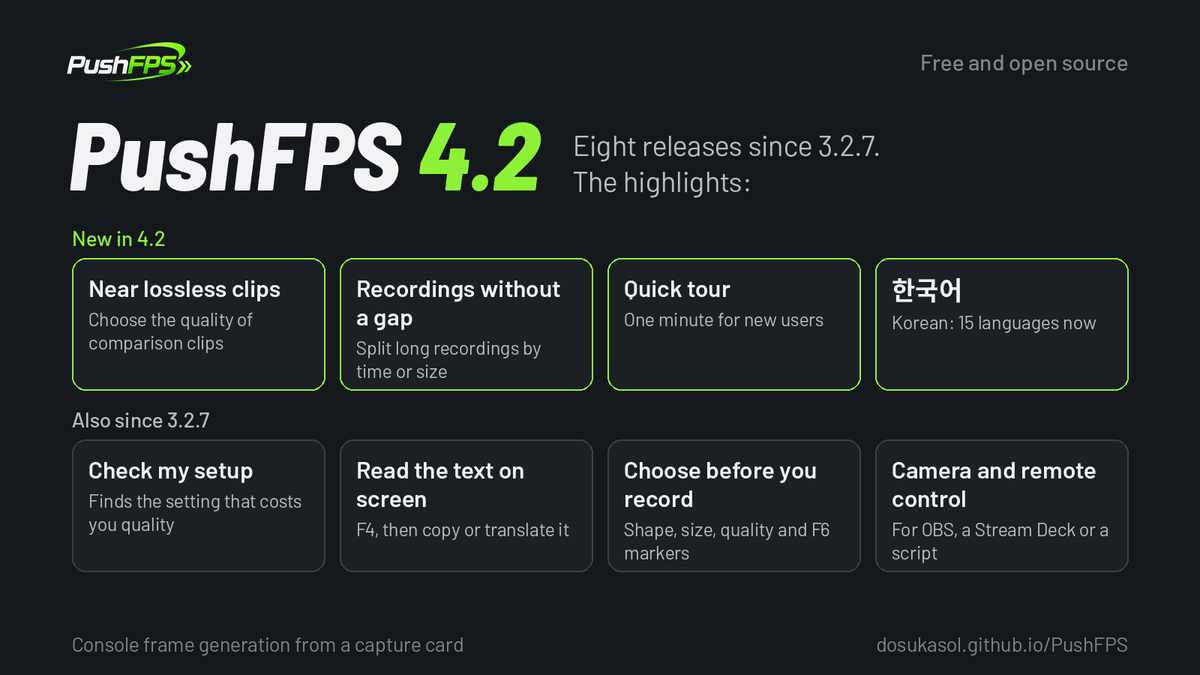
PushFPS 4.2 is out.
PushFPS takes your console's picture from a capture card and adds frame generation and AI picture enhancement on your PC. Free and open source.
This is everything important since 3.2.7, eight releases in one post.
New in 4.2
• Comparison clips as sharp as the picture: choose Standard, High or Near lossless. A 4K clip on Near lossless is almost impossible to tell from the picture.
• Long recordings in parts without a gap: every part starts on a keyframe, so nothing is missing or doubled when you join them.
• A one-minute quick tour for new users.
• Korean. PushFPS now speaks 15 languages.
Picture and frame generation
• Check my setup looks at your running picture and tells you which setting costs you sharpness, smoothness or sound, with one button to change it.
• AI picture enhancement at 1440p or the picture's full size, not only 1080p.
• NVIDIA frame generation quality is a row in quick setup.
• 60 → 30: when the game hitches, no picture is lost and none is used twice.
Recording and streaming
• Choose the shape, size and quality before you record. F6 marks a moment. A vertical copy records beside the wide file.
• PushFPS shows up as a camera in other programs.
• A Stream Deck or a script can start, stop, save the replay and switch scenes.
Everyday
• Read the text on screen: press F4, then copy or translate it. Windows reads it on your PC.
• It picks your capture card, not your webcam, with its own sound input.
• Lip sync by hand, in steps of 10 ms.
• The low latency switch works on AMD and Intel cards too.
• Six backgrounds, seven accents and a high contrast look.
Fixed
• PS5 Remote Play sound running seconds behind the picture.
• The wrong frame rate after moving PushFPS to another screen.
• The graphics card's load reading far too high.
Built on Veyra 2.2.0 by @likely2002.
Website: https://dosukasol.github.io/PushFPS/
GitHub: https://github.com/DosukaSOL/PushFPS
Discord: https://discord.gg/N88znNpSgC